


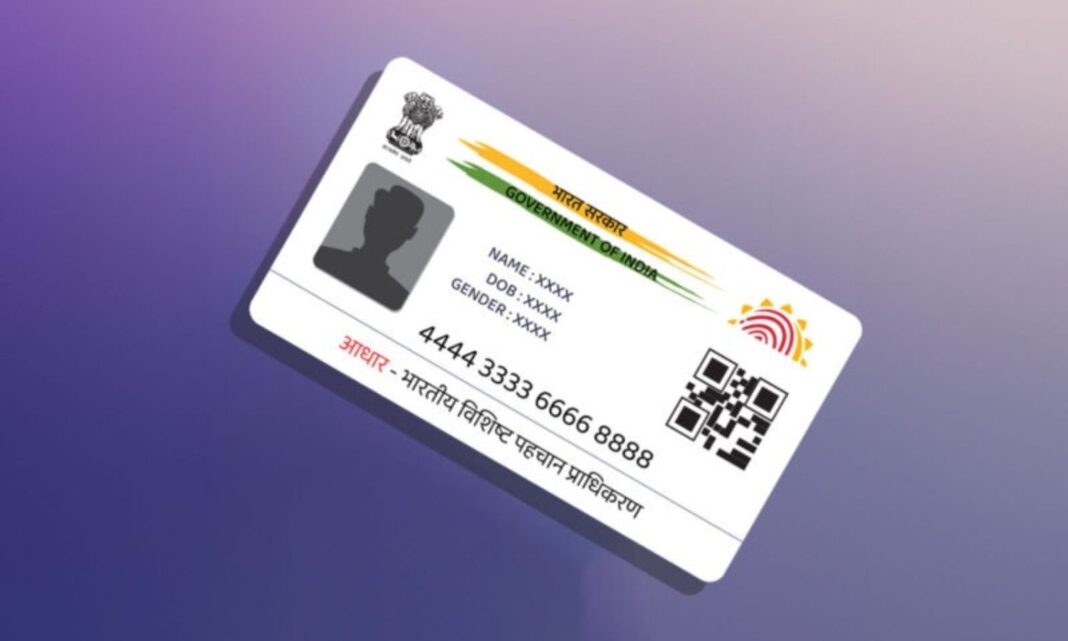

Aadhaar Card: Aadhaar card is not just a piece of paper in today’s digital age. It is proof of our existence. Aadhaar is crucial for everything from bank account to SIM card. But, suspect that someone is using your Aadhaar without your permission? You can check your Aadhaar authentication history yourself with the latest facility provided by Unique Identification Authority of India (UIDAI).
A digital record is created when we present Aadhaar card as identification for any work or verify through fingerprints, iris scanning (Iris), OTP. This is called ‘Aadhaar Authentication History’. It contains complete details of when, where and for what purpose your Aadhaar card was used during the last six months. This will prevent misuse of the card.
How to check at home
No need to worry about your Aadhaar security. One can get complete details in just two minutes through smartphone. For this you need to use the official app called ‘mAadhaar’. This process will reveal whether your biometrics have been misused anywhere.
Step wise method of knowing..
Download the app: First download the official M Aadhaar app on your phone from Google Play Store or Apple App Store.
Login Process: Enter your Aadhaar number in the app. Login through OTP sent to your mobile number. Set a four-digit PIN for security.
My Aadhaar Section: On the home page click on the ‘My Aadhaar’ tab and enter your PIN.
Security Option: There you will find many types of services. In it select the option ‘Aadhaar Authentication History’.
Date Selection: If you enter the dates for which period you want to see the details, the complete report will be in front of your eyes.
Vigilance is needed..
If any verification is found in your list which you have not done, you can immediately complain to UIDAI helpline number 1947. Moreover, there is a facility to lock your biometrics through the app itself. This means that no one can use your fingerprints without your permission.